
Custom branding: a help center that looks like your site, not ours
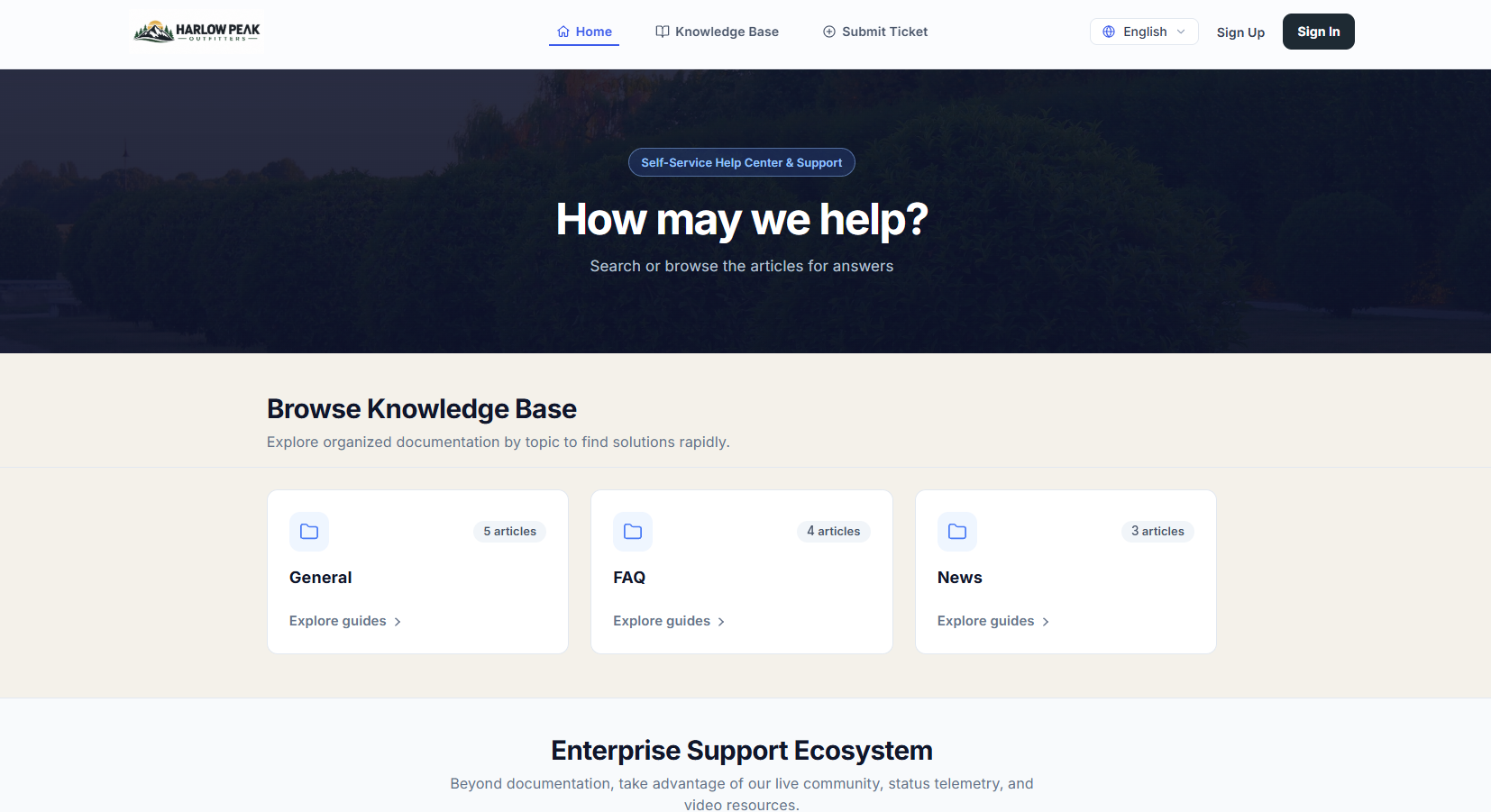
A customer who clicks Help and lands on someone else's branded page loses a little trust. Cayzu puts your logo, colors and domain on the portal, so support looks like part of your site.
Why a help center on your own brand matters
The portal is where customers search your articles, submit a ticket, and check on one they've sent. If it looks like a different company, they wonder whether they're in the right place, and some of them email you instead, which is the thing the portal was meant to reduce. A help center at help.yourcompany.com with your logo at the top removes the doubt.
For a software company or an agency, it matters even more: your clients see your name each time they ask for help.
Related features
- Multiple brandsRun more than one product or company, and each one gets its own branded portal and mailbox. On Enterprise.
- Knowledge baseThe articles live inside the branded portal, so your help center and your ticket form match.
- Web widgetPut the ticket form and article search on your own site, so some customers never have to leave it.
What you can brand: logo, colors, name and domain
You pick the logo and the colors to match your site, and the name that appears in the header and in the emails the portal sends. You can change the address too: map a subdomain of your own to the portal with one DNS record, and customers never see the default address. The connection stays encrypted on your domain.
Replies and notifications carry the brand too. They come from your mailbox with your signature, so the whole loop, from the help center to the email thread, reads as you.
See it with your own tickets.
Every feature for 15 days. No credit card. No contract.
Setting up custom branding
- Upload a logo and set the colors in the portal settings. Five minutes.
- Add a DNS record for help.yourcompany.com pointing at the portal, and enter the domain in Cayzu.
- Check the portal on a phone and send yourself a notification email to see the brand on both.
Which plan has custom branding, and its limits
Branding and a custom domain are on every plan. On Enterprise, each brand gets its own look and its own web address. See the plans.
Custom branding has two limits. You change logo, colors, name and domain, not the page layout or the HTML, so the portal can't be made pixel-identical to your site. And one brand means one look; if two products need two looks, that's the multi-brand feature.
Related: the self-service portal, multiple brands, and the web widget.
Questions people ask
Yes. Map a subdomain such as help.yourcompany.com or support.yourcompany.com to your portal with one DNS record, and that's the address customers use. It stays encrypted on your domain.
The logo, the colors, the name shown in the header and in emails, and the domain. Enough that it reads as your site. The layout itself stays as designed so it keeps working on phones.
Yes. Replies go out from your mailbox address with your signature, and notification emails use your name, not Cayzu's.
Yes. The portal on your domain is served over an encrypted connection, the same as on the default address, so a customer's ticket history isn't exposed.
Logo, colors and custom domain mapping are on every plan. Enterprise gives each brand its own look and its own domain. On every plan, you can turn off the Cayzu name, so your customers only see yours.
Try it with your own tickets
Every feature for 15 days. No credit card. No contract.