
Email integration: work the queue from your inbox
Some days you're on a client site with nothing but email on your phone. Cayzu's email integration sends tickets to your inbox, lets you reply from there, and logs it all on the ticket.
Working tickets from your email inbox
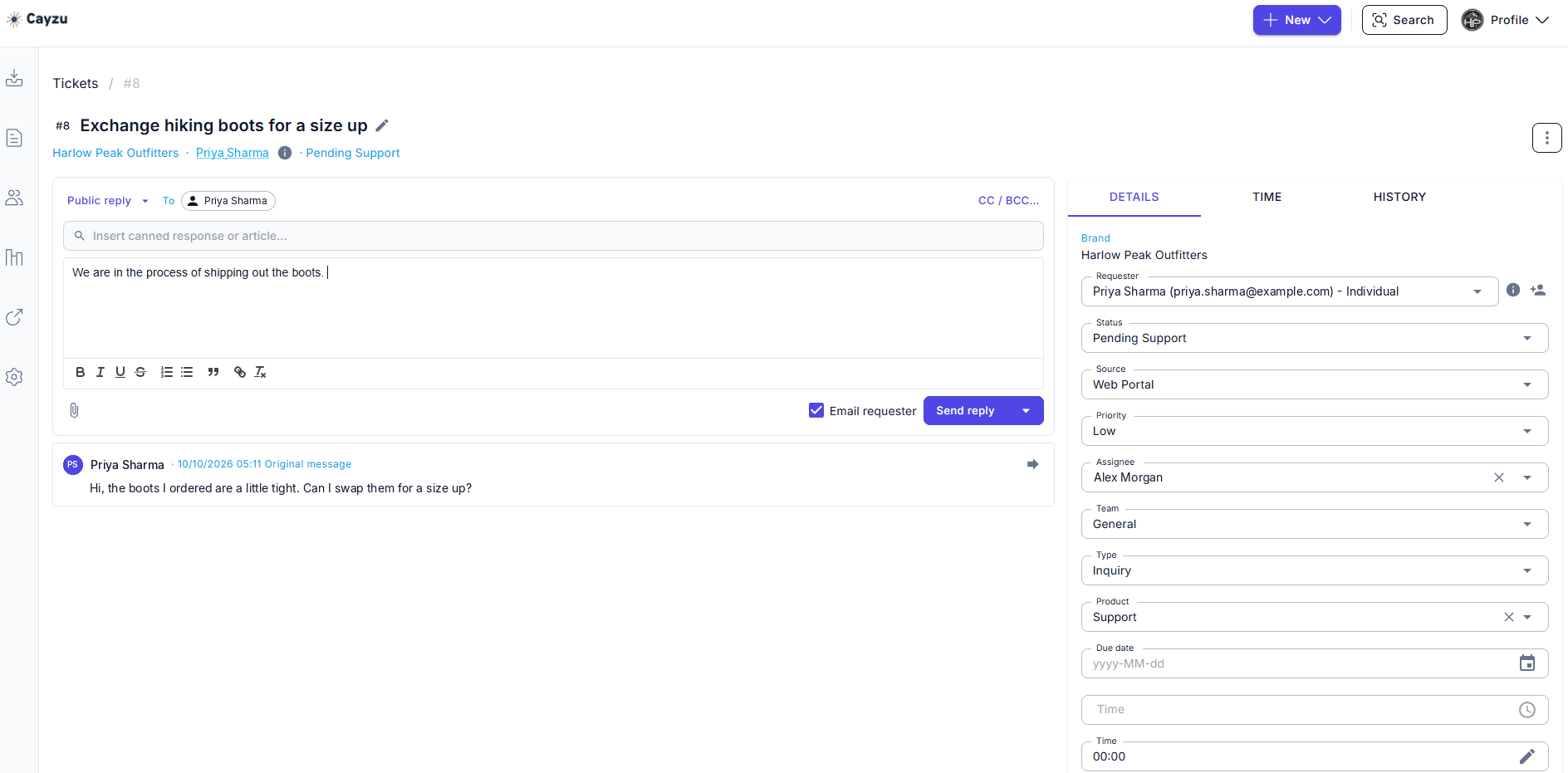
Email integration lets you do three things from your inbox: see new tickets as they're assigned to you, reply to customers, and forward an email sent to you directly so it becomes a ticket. Your reply goes out to the customer and is recorded on the ticket. Forwarding means the customer who always emails you personally still ends up in the queue.
The record stays whole. Whether an answer was typed in Cayzu or sent from a phone in a parking lot, it's on the ticket with the right name and time, and the reports count it.
Related features
- Email forwardingForward support@ to Cayzu and every customer email becomes a ticket, ready to answer from your inbox.
- Mobile help deskCayzu works in your phone's browser, and the iPhone and Android apps are in private beta.
- Internal notesLeave your team a private note on the ticket. The customer only ever sees your replies.
How email integration works
There's nothing to install and nothing to connect, because it all runs on email. Cayzu sends you a message when a ticket needs you; the message carries the ticket number; your reply comes back to Cayzu, which sends it on to the customer and files it. Forwarding an email to your mailbox address does the same in reverse.
Notifications are per agent. Someone who works in Cayzu all day can turn them off; someone who's out on site all week can turn on everything.
See it with your own tickets.
Every feature for 15 days. No credit card. No contract.
Setting up email integration
- In your profile, choose which notifications you want by email: new assignments, customer replies, group tickets.
- Save your Cayzu mailbox address in your contacts as "Make ticket".
- Reply to the next notification from your inbox and check that it appears on the ticket.
Which plan has email integration, and its limits
Email integration is included on every plan. See the plans.
Email integration has two limits. An inbox reply can't change the ticket's status, priority or owner; that still happens in Cayzu. And replying from your inbox bypasses collision detection, so it suits tickets that are already yours rather than a shared queue.
Related: email forwarding, mobile, and the ticket queue.
Questions people ask
Yes. When a ticket is assigned to you, you get an email with the customer's message. Reply to it and your answer goes to the customer and is logged on the ticket, the same as if you'd typed it in Cayzu.
A new ticket assigned to you, a customer reply on your ticket, and a ticket assigned to your group. Each one can be switched on or off per agent.
Yes. Forward it to your Cayzu mailbox address and it becomes a ticket. Useful for the customer who always emails you directly.
With any email program. There's nothing to install: the integration works by sending and receiving ordinary email, so Outlook, Gmail, Apple Mail and your phone's mail app all work.
Every plan. Notifications, inbox replies and forward-to-ticket are part of the email channel on Standard.
Try it with your own tickets
Every feature for 15 days. No credit card. No contract.